SEO Free: The Complete Guide to Free SEO Tools & Strategies
What Is Free SEO and Why It Matters Yes, you can improve your SEO significantly without spending money. SEO free doesn't mean ignoring search engine opti...
What Is Free SEO and Why It Matters

Yes, you can improve your SEO significantly without spending money. SEO free doesn't mean ignoring search engine optimization—it means using non-paid tools and organic strategies to optimize your website. This guide covers the best free SEO tools, realistic limitations, and a step-by-step workflow to rank your website without a premium subscription.
Why choose free tools? Budget constraints are the obvious reason, but there's more. Learning SEO foundations through free tools builds genuine expertise. Small sites and blogs often don't need enterprise-level data. And beginners benefit from hands-on experience before investing in premium platforms. However, free tools do impose trade-offs: fewer queries per day, delayed data updates, limited competitor insights, and narrower feature sets.
The key insight: free SEO tools deliver measurable results, but they require strategy, patience, and integration across multiple resources rather than reliance on a single platform.
Quick Comparison: Free vs. Premium SEO Tools

Before diving into specific tools, understand what separates free and paid alternatives. This clarity helps you decide when free suffices and when upgrading becomes necessary.
| Feature | Free Tools | Premium Tools | Impact on Your Workflow | |---|---|---|---| | Keyword research (monthly queries) | 100–500 searches | Unlimited | Free limits force prioritization; premium enables rapid scaling | | Historical rank tracking | 7–30 days | Years of data | Free shows trends; premium reveals seasonal patterns | | Backlink analysis (database size) | Millions of links | Billions of links | Free catches major competitors; premium finds emerging opportunities | | Technical audit | Basic checks (50–100 issues) | Comprehensive (500+ issues) | Free identifies critical problems; premium catches minor optimizations | | Update frequency | Weekly or monthly | Real-time or daily | Free delays decision-making; premium enables fast responses | | Competitor comparison | 1–3 competitors | Unlimited competitors | Free limits strategy scope; premium supports in-depth competitive analysis |
When to stay free: Single website, modest traffic, competitive niche with low complexity, learning phase, tight budget.
When to upgrade: Multiple sites, highly competitive keywords, aggressive growth timeline, need for real-time data, managing dozens of keywords or backlinks.
Best Free SEO Tools by Category
Free Keyword Research Tools
Google Keyword Planner (Google Ads) remains the foundational free tool. It connects directly to Google's search data and shows exact search volume, trends, and keyword difficulty estimates. To access it, create a Google Ads account (you don't need to spend money).
Ubersuggest free tier provides keyword ideas, search volume, SEO difficulty scores, and keyword suggestions. The free version limits you to 3 searches daily, but each search reveals 100+ related keywords. It's ideal for beginners validating keyword viability.
AnswerThePublic (limited free tier) visualizes search questions people ask around your target keyword. This is invaluable for content ideas and understanding keyword research strategies beyond basic volume and competition metrics.
Google Trends is overlooked but powerful. Use it to identify seasonal demand, regional interest, and trending topics in your niche—essential context that volume data alone doesn't capture.
Free SEO Audit and Technical Analysis Tools
Google Search Console is arguably the single most important free SEO tool. It shows which keywords drive your traffic, page indexation status, mobile usability issues, and crawl errors. Link it to your website immediately and check it weekly.
Seobility free tier delivers a comprehensive free SEO audit checking 100+ technical factors: page titles, meta descriptions, heading hierarchy, image optimization, mobile-friendliness, and loading speed. The report is actionable and beginner-friendly.
SEO Site Checkup scans your site and flags technical issues, on-page problems, and basic backlink metrics. It's slightly less detailed than Seobility but covers the essentials.
Google PageSpeed Insights measures site speed and core web vitals (an official ranking factor). Get specific recommendations for improving mobile and desktop performance.
Free Backlink and Link Analysis Tools
Google Search Console includes a backlinks report showing which external sites link to you. It's limited compared to premium tools but sufficient for monitoring brand mentions and key incoming links.
Ahrefs free backlink checker allows 3 free lookups daily. Enter any URL to see referring domains, backlink quality estimates, and anchor text distribution. It's not real-time, but the data is reliable.
Moz Link Explorer free version provides domain authority estimates and basic backlink information. Limited queries, but useful for competitive reconnaissance.
Semrush free trial (fully functional for 14 days) gives access to all premium backlink features—a solid option if you dedicate focused research time upfront.
Step-by-Step On-Page SEO Without Paid Tools
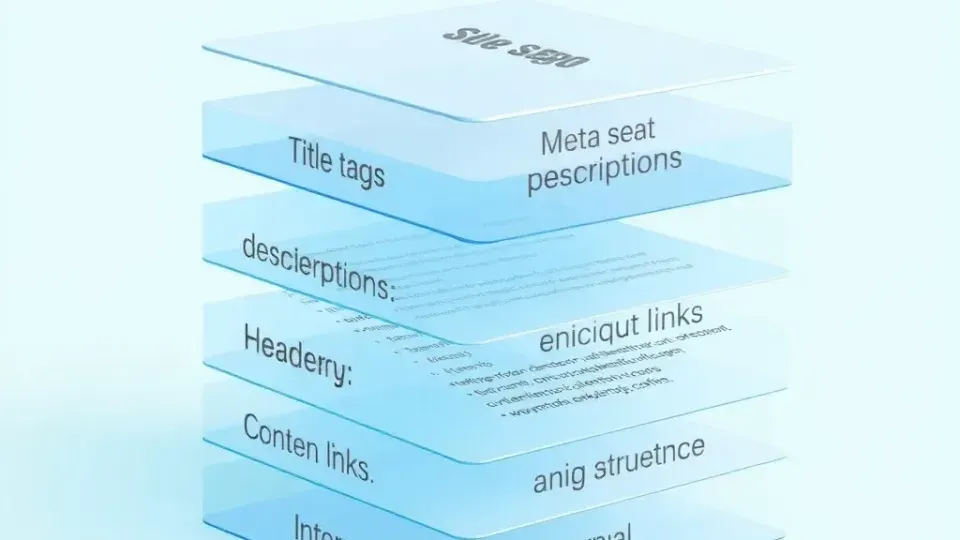
Optimize the visible content and HTML elements on your pages using free resources. This is where beginners see immediate ranking improvements.
Step 1: Audit your current pages. List your 10 highest-traffic pages. Use Google Search Console to identify which keywords already drive traffic to each page. This reveals optimization opportunities on pages with existing visibility.
Step 2: Align content with keyword intent. Search your target keyword in Google and study the top 5 results. What format dominates (blog, product page, guide)? How long are they? What subtopics do they cover? Match this structure in your content. Tools like Writora—an AI-powered SEO platform for independent publishers—can streamline this research and help generate aligned content at scale, with keyword clustering and one-click publishing built in.
Step 3: Optimize title tags and meta descriptions. Keep titles under 60 characters and meta descriptions under 155 characters. Include your primary keyword naturally in the title. Your meta description should hook readers and include a call-to-action—it directly impacts click-through rates from search results.
Step 4: Structure content with headers. Use H1 for your page title, H2 for main sections, and H3 for subsections. Include keyword variations in headers (not forced). This signals relevance to search engines and improves readability.
Step 5: Optimize images. Compress images to reduce page load time (use TinyPNG free). Add descriptive alt text including relevant keywords—this helps both accessibility and SEO.
Step 6: Internal linking. Link to 2–3 relevant pages within your site using descriptive anchor text. This distributes authority and helps search engines understand site structure.
See our on-page optimization checklist for a detailed template you can apply to every page.
Technical SEO Optimization Using Free Resources

Technical SEO ensures search engines can crawl, index, and rank your site. You don't need paid tools to address major technical issues.
Mobile-friendliness. Use Google Mobile-Friendly Test to check if your site renders correctly on phones. Most modern themes are mobile-first, but this tool catches edge cases.
Site speed. Google PageSpeed Insights identifies slow pages and recommends fixes. Core Web Vitals (Largest Contentful Paint, Cumulative Layout Shift, First Input Delay) are official ranking factors. Quick wins: enable browser caching, compress images, minimize CSS/JavaScript.
XML sitemap and robots.txt. Ensure your CMS generates both automatically (WordPress plugins like Yoast SEO do this). Submit your sitemap to Google Search Console.
Crawl errors. Google Search Console reports crawl errors and blocked resources. Fix 404 errors, redirect loops, and blocked CSS/JavaScript files that prevent search engines from indexing content.
Structured data. Add JSON-LD schema markup (Google's Structured Data Helper is free) to pages. This helps Google understand your content type—especially useful for product pages, articles, and local businesses.
For deeper technical guidance, explore our technical SEO basics guide.
Free Content and Performance Monitoring
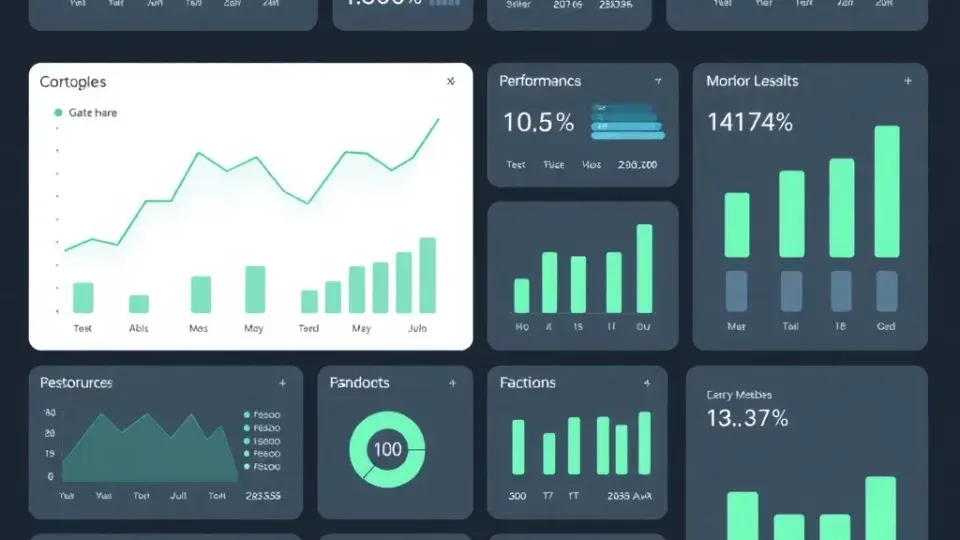
Track how your optimizations impact traffic and rankings.
Google Analytics 4 shows visitor behavior: which pages get traffic, how long users stay, bounce rates, and conversion actions. Connect it to your website and set up goals (e.g., form submissions, product purchases). Review analytics weekly to identify high-performing and underperforming content.
Google Search Console (mentioned earlier) is equally critical for SEO metrics. It shows average click-through rate (CTR) for each keyword, average search position (ranking), and impressions. If a page ranks position 5–10 but has low CTR, improve the meta description or title. If a page has high impressions but low position, it's ready to rank—add internal links and refresh the content.
Rank tracking on a budget. Free tools like Rank Tracker (desktop version with local ranking) or Google Sheets + API let you track top keywords manually. Premium solutions offer daily updates, but if you monitor 20–50 keywords, free tools suffice. Check rankings monthly and adjust strategy based on trends.
Use our content performance tracking guide to set up dashboards that surface actionable insights.
Building Your Free SEO Workflow: Tool Integration Guide
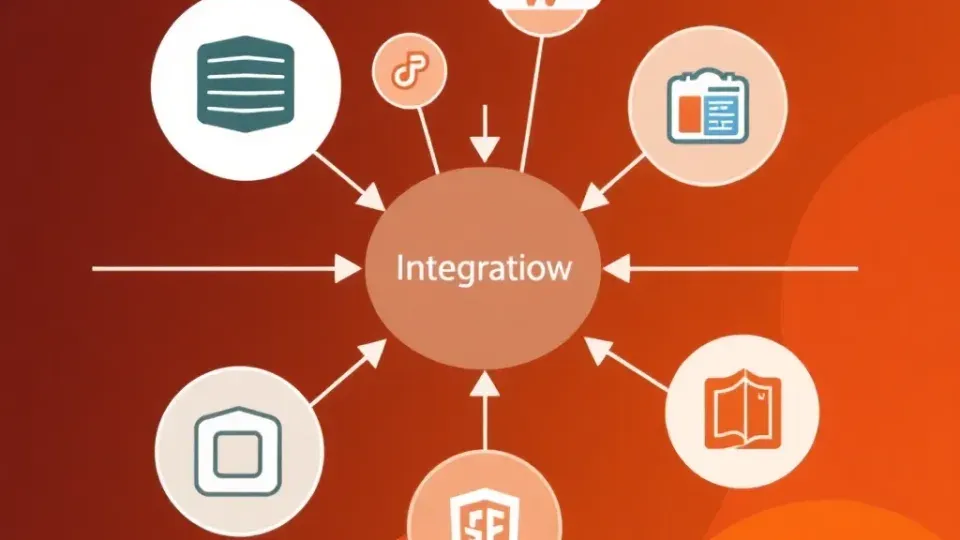
The real power of free tools emerges when you combine them into a coherent workflow. Here's a proven sequence:
Week 1: Research and Planning
- Identify 20–30 target keywords using Google Keyword Planner and Ubersuggest.
- Analyze top-10 search results for each keyword (intent, format, length).
- Document keyword themes in a spreadsheet (useful later for clustering and strategic planning).
Week 2: Technical Foundation
- Run your domain through Seobility for a complete technical audit.
- Fix critical issues: mobile-friendliness, crawl errors, site speed.
- Verify indexation in Google Search Console.
Week 3: On-Page Optimization
- Audit your top 10 pages using Google Search Console (which keywords they rank for).
- Refresh each page: optimize title, meta description, headers, and internal links.
- Add new content targeting keywords with high intent but low coverage.
Week 4: Link Building
- Use Ahrefs free backlink checker to see competitor backlinks.
- Identify 3–5 link opportunities (websites linking to competitors but not you).
- Reach out with genuine relationship-building; check our link building strategies guide for templates and outreach frameworks.
Ongoing (Monthly)
- Monitor Google Analytics for traffic trends.
- Review Google Search Console for new ranking opportunities.
- Update underperforming content based on keyword position and CTR.
This workflow uses free tools exclusively and scales to manage 50–100 pages and 200+ keywords without premium tools for the first 6–12 months.
Limitations of Free SEO Tools and Workarounds
Understanding trade-offs helps you maximize free tools and know when an upgrade is justified.
Limitation: Keyword research has query limits. Workaround: Prioritize your 20–30 core keywords, then expand using free "related keywords" features and Google Trends. Use AnswerThePublic for question-based content ideas instead of running volume checks on 500 keywords.
Limitation: Backlink data is delayed and incomplete. Workaround: Use multiple backlink checkers (Google Search Console + Ahrefs free + Moz free) to triangulate. Focus on quality (linking domain authority) over quantity. For emerging competitors, check every month instead of weekly.
Limitation: Rank tracking is manual and slow. Workaround: Track top 20 keywords manually in Google Sheets. Set monthly reminders instead of checking daily. This forces discipline and prevents reactive decision-making.
Limitation: Competitor data is limited. Workaround: Study competitors directly—visit their sites, read their content, check their backlinks manually using Ahrefs free. Personal research often reveals insights premium tools miss.
Limitation: Free tools lack historical data. Workaround: Start documenting today. Store screenshots of keyword positions, traffic metrics, and technical audits in a spreadsheet. Over time, you'll have your own historical data.
For most small websites, these workarounds are sufficient. Upgrade to premium tools when workarounds become bottlenecks—typically after 6–12 months of growth.
Frequently Asked Questions
Can you really do SEO for free?
Yes. Core SEO tasks—keyword research, on-page optimization, technical audits, and basic link analysis—can be completed using free tools. Google Search Console, Google Analytics, Ubersuggest free tier, and Seobility together cover 80% of optimization work. The limitation isn't capability; it's scale and speed. Free tools impose query limits and delays, but beginners and small sites rarely hit these constraints in month one.
What are the biggest limitations of free SEO tools?
Query and frequency limits. Most free tools cap daily searches (Ubersuggest: 3/day, Ahrefs: 3 backlink checks/day). Delayed data. Free backlink databases update weekly or monthly; premium updates daily. Narrow competitor analysis. Free tools compare 1–3 competitors; premium allows unlimited comparisons. Limited historical tracking. Free rank tracking shows current positions; premium reveals 6–24 months of trend data. Fewer advanced features. Bulk operations, API access, and custom alerts are usually premium-only. These limitations slow decision-making but don't prevent optimization for most sites.
Which free SEO tool is best for beginners?
Start with Google Search Console and Google Analytics—they're foundational and connect directly to your site's performance. Add Ubersuggest free tier for keyword research and Seobility free audit for a technical baseline. These four tools require zero paid subscriptions and cover keyword research, technical health, on-page analysis, and performance tracking. A beginner can optimize effectively using only these four for the first 6 months.
How do I check my website's SEO health without paid tools?
Use this three-step process: (1) Google Search Console → Check indexation status, crawl errors, and mobile usability. (2) PageSpeed Insights → Review core web vitals and speed recommendations. (3) Seobility free audit → Run a comprehensive scan covering 100+ on-page and technical factors. Spend 30 minutes understanding each report. Fix the top 10 flagged issues first—these typically unlock 30–50% of your ranking potential. Repeat this quarterly as you add new pages.
When should I upgrade from free to premium SEO tools?
Upgrade when you hit one of these inflection points: (1) Managing 3+ websites. Free tools' query limits become bottlenecks. (2) Targeting 100+ keywords actively. Manual rank tracking becomes unmanageable. (3) Operating in highly competitive niches. You need real-time backlink monitoring to stay ahead of competitors. (4) Aggressive growth timeline. Data delays impact decision-making velocity. For most single-site owners and beginners, free tools remain effective for 12–24 months. Start with free, then upgrade strategically when limitations slow your progress.
Conclusion
SEO success with free tools requires strategy, patience, and integration across multiple resources rather than reliance on a single platform. The tools are powerful—Google Search Console, Google Analytics, Ubersuggest, and Seobility genuinely deliver rankings improvements. The limiting factors are discipline and process.
Start with the workflow outlined above: research keywords, fix technical issues, optimize content, build links. Use free SEO audit tools monthly to track progress. Monitor Google Search Console and Analytics weekly. After 6–12 months, assess whether premium tools would accelerate your growth. For most small sites, they won't—but for competitive niches or multi-site operations, they become justified investments.
Ready to streamline your SEO free workflow? Writora, an AI-powered SEO platform, helps independent publishers cluster keywords, generate optimized content, and publish in seconds—extending what free tools alone can accomplish. Try Writora free to experience how AI can amplify your free SEO strategy.
For deeper implementation guidance, see our keyword research strategies guide, technical SEO basics, and link building strategies. Start optimizing today—no budget required.