SEO for Kids: A Simple Guide to Search Engine Optimization
Did you know that roughly 93% of online experiences begin with a search engine ? That statistic, consistently reported across industry benchmarks from so...
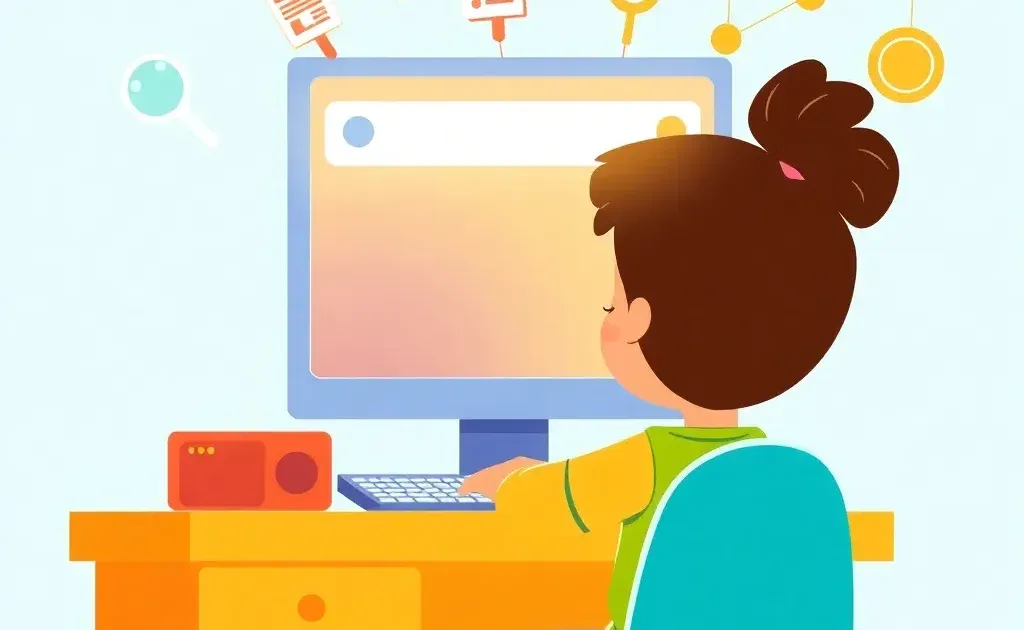
Did you know that roughly 93% of online experiences begin with a search engine? That statistic, consistently reported across industry benchmarks from sources like BrightEdge and Statista, reveals something profound: search is the front door to the internet. Teaching for kids SEO concepts isn't just about ranking websites—it's about building digital literacy skills that will serve them for life.
In this guide, you'll learn how to explain SEO to children using fun analogies, age-appropriate activities, and real-world examples drawn from the apps and platforms kids already love. Whether you're a parent, teacher, or mentor, you'll walk away with a clear framework for breaking down search engine optimization basics into digestible lessons.
Here's the quick definition you can use right now: SEO is like labeling books in a library so the librarian (the search engine) can find the exact right book for you. And no, SEO isn't dead—it has evolved significantly, but its core principles remain as essential as ever.
What Is SEO? The Simple Answer
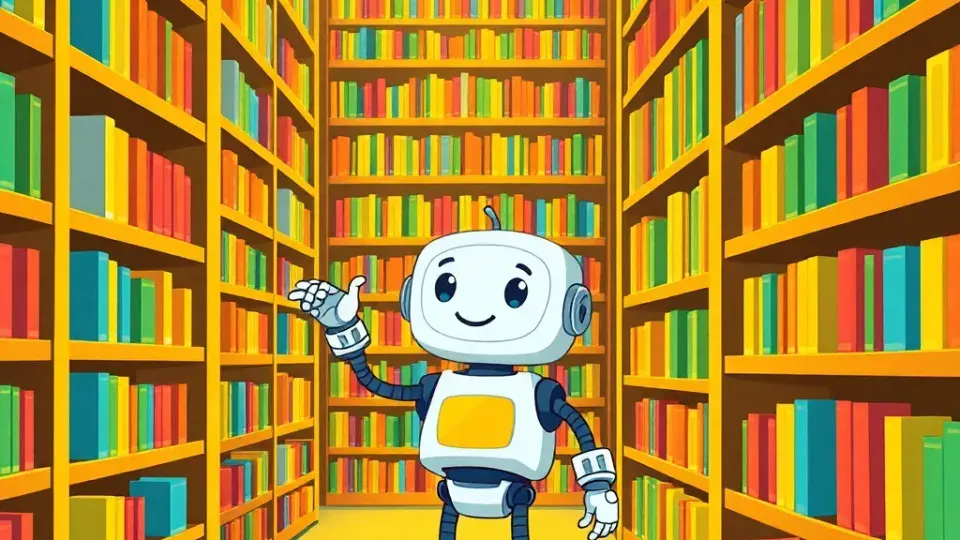
Search Engine Optimization (SEO) is the practice of organizing and improving online content so search engines like Google can find it and show it to the right people. When someone types a question into Google, the search engine scans billions of web pages and decides which ones best answer that question. SEO is how website creators help search engines understand what their content is about.
Think of it this way: if you wrote the world's best blog post about building a birdhouse but never told anyone what it was about, no one would find it. SEO is the process of clearly communicating your content's purpose—to both humans and machines.
The Library Analogy: How Search Engines Organize Information
Imagine a library with billions of books but no labels, no categories, and no librarian. You'd wander around for hours and probably never find what you need. That's the internet without search engines.
Now imagine a super-smart librarian who has read every single book and organized them by topic, quality, and popularity. When you walk in and say, "I want a book about dinosaurs for a school project," this librarian instantly knows which shelf to point you toward. That's what Google does.
Here's how search engines work in three basic steps:
- Crawling — Search engines send out "robots" (called crawlers or spiders) that visit every page on the internet and read its content.
- Indexing — The search engine stores all that information in a massive organized catalog, like a library's card system.
- Ranking — When someone searches for something, the engine decides which pages are the most helpful and lists them in order from best to least relevant.
Ranking is the position a webpage appears in search results. Position #1 means the most visibility; pages on the second or third page of results are rarely seen. SEO is the art and science of moving your content closer to that #1 spot.
Why Does SEO Matter in 2026?

SEO matters because it determines what information people see first. For kids, this plays out every day in ways they might not realize:
- When they search "best Minecraft builds" on YouTube, SEO determines which videos appear at the top.
- When they look for a new app in the App Store or Google Play, search optimization affects which apps show up first.
- When they ask Alexa or Google Home a question, the voice assistant pulls from SEO-optimized content to provide its answer.
Understanding SEO helps kids see the invisible system behind the digital world they navigate constantly. It builds critical thinking: Why does this result appear first? Is it really the best answer, or is it just well-optimized?
Is SEO Dead or Evolving? What Parents Should Know
SEO is evolving, not dead. This is a question that surfaces every few years, and it's especially relevant now. In 2026, SEO has expanded to include:
- AI integration — Google's AI Overviews and other AI-powered search features now synthesize answers directly in search results, but they still pull from optimized web content. According to Google Search Central's own documentation, creating helpful, well-structured content remains the foundation of visibility.
- Voice search optimization — With over 4.2 billion voice assistants in use globally as of 2025 (Statista), optimizing for conversational queries is increasingly important.
- Visual search — Tools like Google Lens and Pinterest Lens let users search using images instead of text, opening a new dimension of SEO.
The core principles—keywords, quality content, links, and user experience—remain unchanged. What's shifted is how they're implemented. Parents and educators should feel confident that teaching these fundamentals gives kids a timeless skill set, even as the technology around it evolves.
The Four Pillars of SEO Explained for Kids
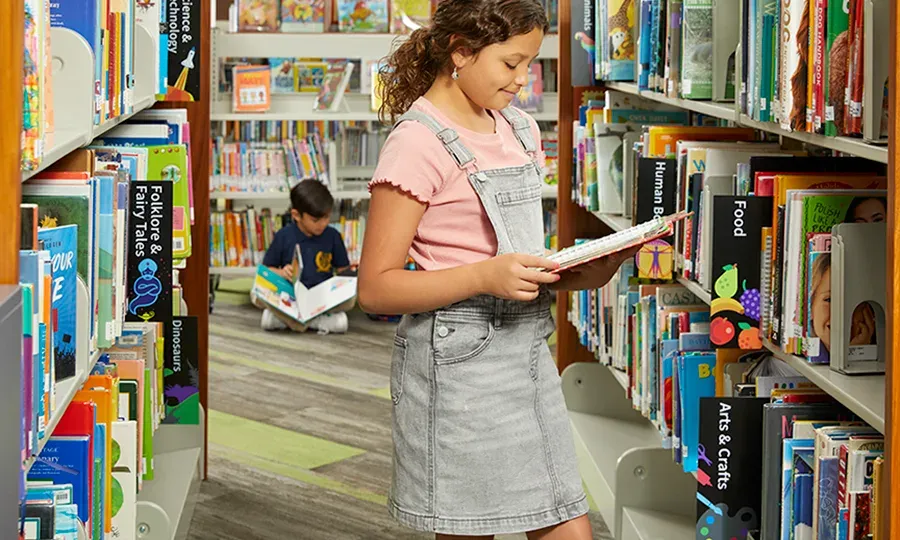
When teaching kids about search, I've found it helps to organize everything into four main pillars. Each one answers a simple question a child can understand.
1. Keywords: The Words Search Engines Understand
Keywords are the words or phrases people type into search engines to find information. If you want to find a chocolate chip cookie recipe, you might type "easy chocolate chip cookies" into Google. That phrase is a keyword.
Here's how to explain it to a child: "Keywords are like secret passwords. If your website uses the same words that people are searching for, the search engine matches you up—like finding the right puzzle piece."
SEO creators research which keywords people actually use, then include those words naturally in their content. For example, a kid creating a YouTube video about their pet hamster might use keywords like "funny hamster videos" or "hamster care tips" in the title and description.
A common mistake I see is thinking more keywords means better results. In reality, stuffing a page with the same word over and over (called "keyword stuffing") actually hurts your ranking. Search engines are smart enough to detect this and will penalize the page. The goal is natural, helpful use of relevant terms.
For a deeper dive into finding the right search terms, check out our keyword research guide.
2. On-Page SEO: Making Your Content Easy to Find
On-page SEO refers to everything you do on your actual webpage to help search engines understand it. The three most important elements are:
- Title tags — The headline that appears in search results. It should clearly describe what the page is about and include your main keyword.
- Meta descriptions — The short summary under the title in search results. Think of it as a movie trailer for your page.
- Headings and content structure — Using clear headings (like chapter titles in a book) helps both readers and search engines navigate your content.
A kid-friendly analogy: "On-page SEO is like writing a really clear label on a folder. If your folder says 'Math Homework – Fractions,' your teacher knows exactly what's inside. But if it just says 'Stuff,' nobody knows what to expect."
Other on-page factors include using descriptive image names (instead of "IMG_4532.jpg," name it "chocolate-chip-cookies-recipe.jpg") and writing content that genuinely answers the question someone searched for.
3. Links: Building Connections Across the Internet
Links are one of the most powerful signals search engines use to determine quality. There are two types kids should know:
- Internal links — Links that connect pages within the same website. Like a trail of breadcrumbs that helps visitors (and search engines) find more of your content.
- Backlinks — Links from other websites that point to yours. These act like recommendations or votes of confidence.
Backlinks are especially important. When a trusted website links to your page, it tells Google, "This content is credible and worth reading." It's like getting a recommendation from a teacher versus a random stranger—the teacher's word carries more weight.
Kid-friendly example: "Imagine you made a really cool science project. If your teacher tells the whole school about it, more people will come see it. That's what a backlink does—it's someone else telling the internet your content is worth visiting."
4. User Experience: Making Websites Fun and Fast
User Experience (UX) is how easy and enjoyable it is for visitors to use a website. Search engines like Google track whether people stay on your page or leave immediately (called "bouncing"), and they use this data to adjust rankings.
Key UX factors include:
- Page speed — Sites that load in under 2 seconds keep visitors engaged. Slow sites lose them.
- Mobile-friendliness — Over 60% of searches happen on phones, so sites must work well on small screens.
- Clear navigation — Visitors should find what they need within a few clicks.
- Readability — Content should be easy to scan with short paragraphs, headings, and visuals.
For more on creating fast, intuitive websites, explore our guide on website user experience.
Kid-friendly framing: "Think about your favorite app or game. It loads fast, it's easy to use, and it looks good, right? Websites work the same way. If a site is slow or confusing, people leave—and Google notices."
How to Teach SEO Concepts by Age Group

After years of working with educators on digital literacy curricula, I've learned that one-size-fits-all explanations don't work. Here's an age-segmented approach for teaching kids about search effectively.
Ages 5–7: Treasure Hunt and Sorting Games
Young children don't need to know the term "SEO." Instead, teach the underlying concepts:
- Sorting game — Give kids a stack of picture cards (animals, foods, toys) and ask them to organize them into categories. This mirrors how search engines index content.
- Treasure hunt — Hide objects around a room with labeled clues. Explain that search engines follow clues (keywords) to find the right answers.
- "Ask the librarian" role-play — One child plays the librarian. Another asks for a book. The librarian has to find the right one based only on the description given. This teaches how specific language (keywords) helps find results.
Checkpoint for parents: After the activity, ask your child, "What made it easier to find the right thing?" The answer—clear labels and good organization—is the foundation of SEO.
Ages 8–12: Website Builders and Real Examples
This age group can handle more concrete concepts:
- YouTube experiment — Search for the same topic using different keywords and compare results. Discuss why certain videos appear first (titles, descriptions, view counts).
- Blog or website project — Use kid-friendly website builders (like Google Sites or WordPress for Kids) to create a simple page. Practice writing clear titles, descriptions, and using relevant keywords.
- App Store analysis — Look at how top apps in the App Store or Google Play describe themselves. Discuss what makes their listings effective (clear titles, good screenshots, reviews).
Checkpoint for educators: Have students compare two web pages on the same topic—one well-optimized, one poorly structured—and identify what makes one easier to find and read.
Ages 13+: Technical Concepts and Career Connections
Teens can engage with SEO as both a skill and a potential career path:
- Google Search Console exploration — If they have a blog or YouTube channel, show them real analytics data: which keywords drive traffic, how pages rank, and where clicks come from.
- Content creation challenge — Have them write a blog post targeting a specific keyword, then track its performance over a few weeks.
- Career connections — SEO is a core skill in digital marketing, journalism, e-commerce, and content creation. According to the U.S. Bureau of Labor Statistics, marketing and digital media roles continue to grow, and SEO expertise is a foundational requirement for many of these positions.
- AI and SEO discussion — Explore how AI tools are changing search, and discuss the ethics of AI-generated content versus human-created content.
Tools like Writora can make this practical for teens interested in content creation. It's an SEO platform designed for independent publishers that handles keyword clustering, AI-assisted article generation, and one-click publishing—features that let teens experiment with real SEO workflows without needing years of technical experience.
Practical SEO Checklist for Parents and Educators
Use this checklist as a hands-on activity after discussing SEO concepts with your child or students:
- [ ] Pick a topic your child is passionate about (a game, hobby, animal, or sport)
- [ ] Brainstorm 3–5 keywords someone might search to find information on that topic
- [ ] Write a clear, descriptive title that includes the main keyword
- [ ] Write a 1–2 sentence description (meta description) that summarizes the content
- [ ] Create the content — a short blog post, video script, or presentation
- [ ] Add at least one internal link connecting to a related piece of content
- [ ] Check readability — Are paragraphs short? Are headings clear? Would a classmate understand it?
- [ ] Test on mobile — Does the content look good on a phone or tablet?
- [ ] Review and discuss — What would make someone click on this result instead of another?
This checklist works for a school project, a personal blog, or even a YouTube video description. The goal isn't perfection—it's building awareness of how content gets discovered.
Frequently Asked Questions About SEO for Kids

Is SEO still important in 2026, or has it been replaced by AI?
SEO remains critically important. AI tools like Google's AI Overviews pull from SEO-optimized content to generate their answers. If anything, well-structured content is more valuable now because AI systems rely on clearly organized, authoritative pages to source information. SEO and AI are partners, not competitors.
At what age should I start teaching kids about SEO?
You can introduce sorting, labeling, and searching concepts as early as age 5 using games and analogies. By age 8–10, kids can understand keywords and basic content structure. Teens (13+) can engage with technical SEO and even apply it to their own projects. The key is matching complexity to developmental stage.
How do search engines like Google actually find and rank websites?
Google uses automated programs called "crawlers" to visit web pages and read their content. It stores this information in a massive index. When someone searches, Google's algorithm evaluates hundreds of factors—keyword relevance, content quality, backlinks, page speed, and more—to rank pages in order of usefulness. Google Search Central's documentation confirms these fundamentals have remained consistent even as the algorithm grows more sophisticated.
Can kids create their own SEO-friendly content or website?
Absolutely. Platforms like Google Sites, WordPress, and even YouTube allow kids (with parental guidance) to create content and practice SEO techniques. Writing clear titles, choosing relevant keywords, and structuring content with headings are skills any young creator can apply.
What's the difference between SEO and paid search ads (PPC)?
SEO is earning visibility through optimized content—it's free but takes time. PPC (Pay-Per-Click) is paying for ads that appear at the top of search results—it's instant but costs money. Think of SEO as growing a garden (slow, sustainable) versus PPC as buying flowers from a store (fast, but you have to keep paying). Both have value, and understanding the difference helps kids recognize which search results are organic and which are advertisements.
The Bottom Line: Why SEO Literacy Matters
Understanding for kids SEO isn't just a technical skill—it's a form of literacy for the digital age. The four pillars—keywords, on-page SEO, links, and user experience—translate to broader communication skills: choosing the right words, organizing ideas clearly, building credibility through connections, and creating experiences people actually enjoy.
These concepts show up everywhere kids already spend time. YouTube recommendations, App Store rankings, voice assistant answers, and even the order of Google search results are all driven by the same principles. When kids understand the system, they become smarter consumers and more effective creators.
Your action step: Try explaining one SEO concept to your child this week using your favorite online platform. Search for something together on YouTube or Google, then ask, "Why do you think this result appeared first?" That single question opens the door to a conversation about how the digital world is organized.
If you're ready to put these concepts into practice—whether for a family blog, a school project, or a teen's first content venture—tools like Writora offer a free trial that makes keyword research and content optimization accessible even for beginners.
Understanding how search works is a superpower in the digital age. The earlier kids develop that superpower, the better equipped they'll be to navigate, question, and create in a world built on information.